Case Study 2026
Portfolio Site
Building my own portfolio with AI-powered automation — Claude to Figma, Figma to code, and everything in between.
Overview
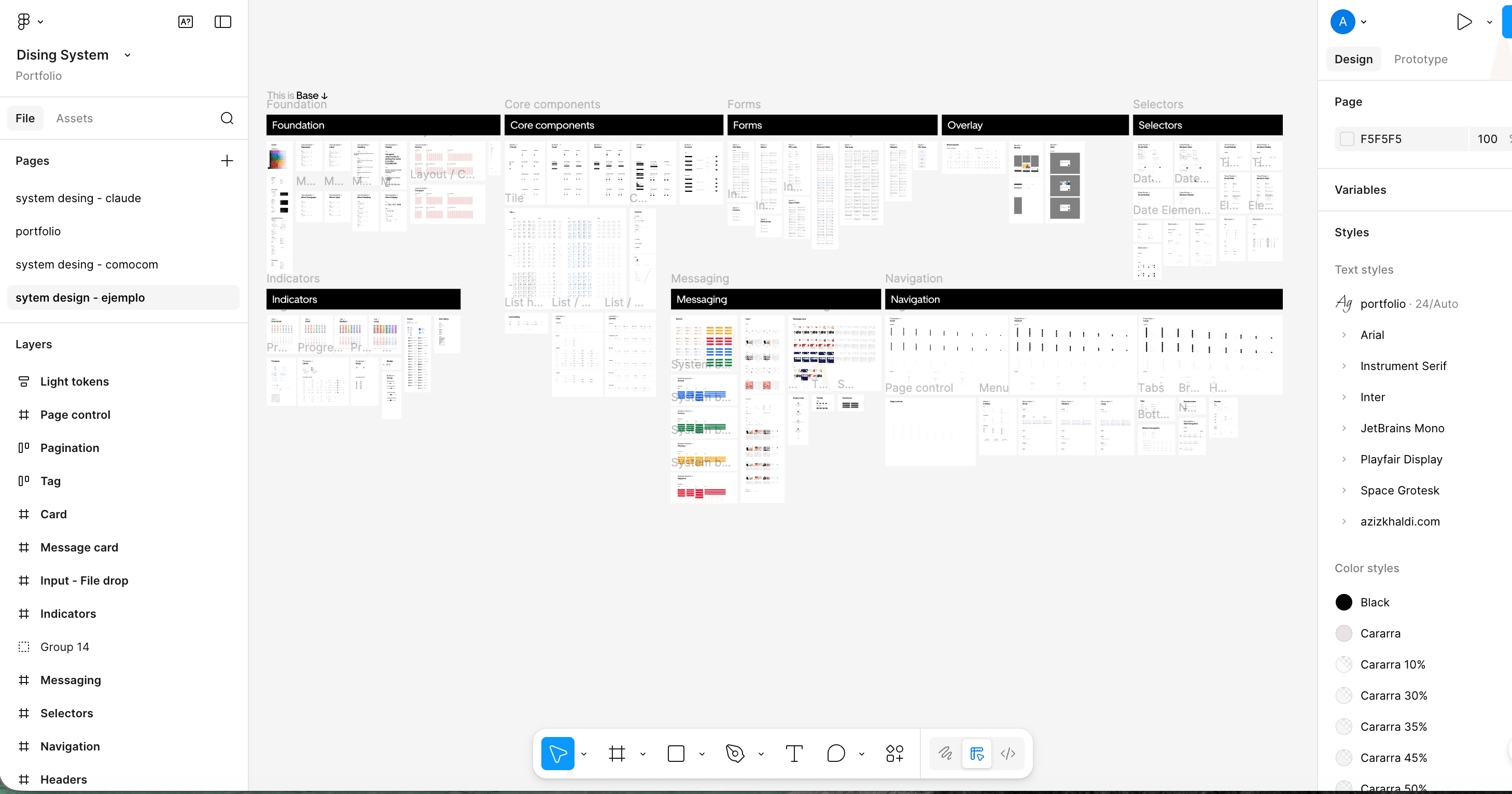
Designed and built this portfolio site as a complete demonstration of AI-powered workflows. Used Claude with MCP (Model Context Protocol) to automate Figma design generation and Figma-to-code conversion. This is where I truly started with UX — designing systems from scratch, understanding user flows, and building interfaces that tell a story. The site became a real-world testing ground for automation patterns, design system thinking, and bridging the gap between design tools and production code.
The Problem
Building my own portfolio with AI-powered automation — Claude to Figma, Figma to code, and everything in between.
Traditional portfolio workflows are slow: design in Figma, export assets, write HTML/CSS by hand, keep design and code in sync manually. For a solo builder, this friction kills momentum. I wanted a workflow where design intent translates directly to code — with AI handling the tedious parts while I focus on creative decisions and architecture.
Visual proof
Screens and designs that shipped
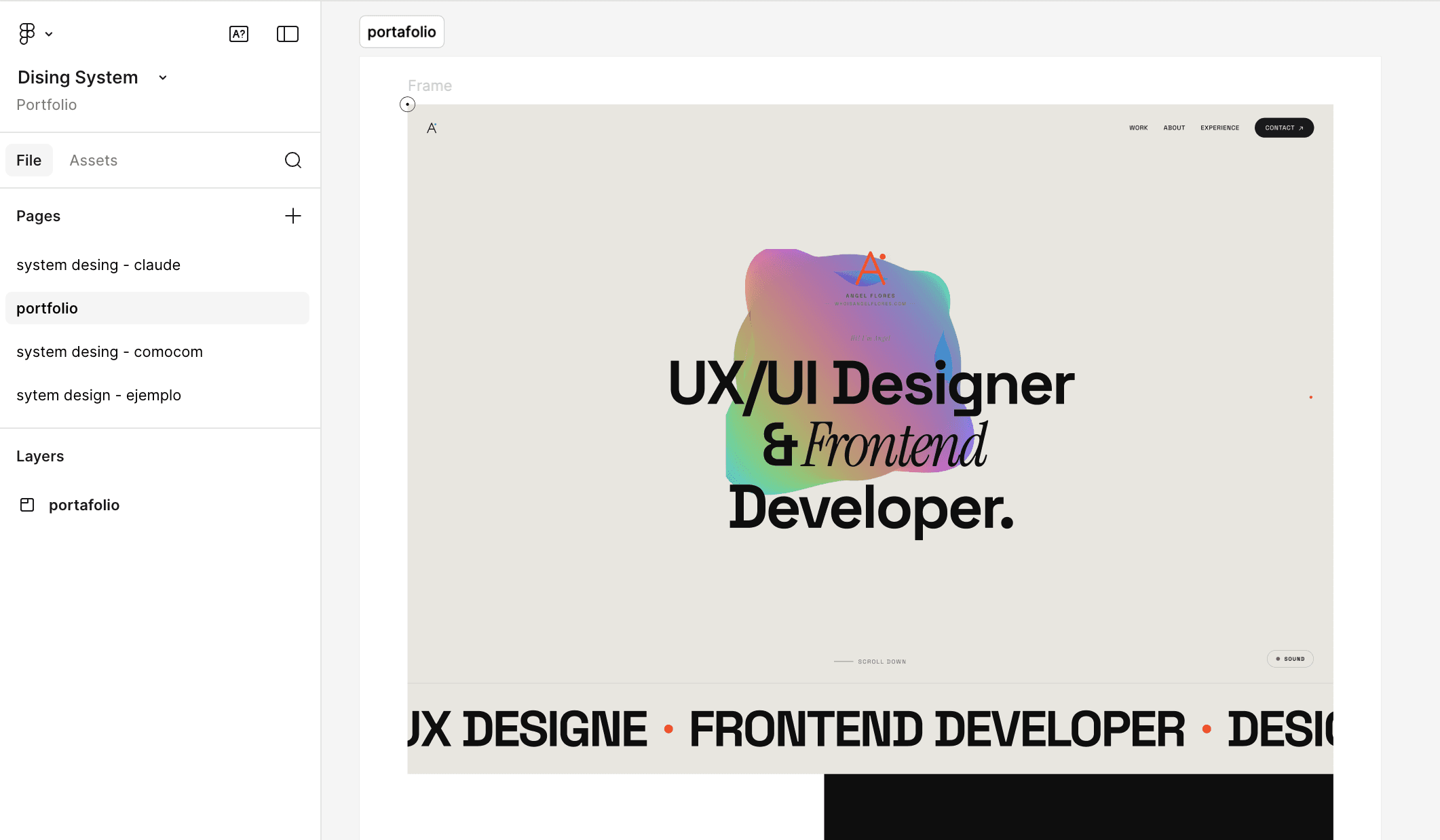
Final Product
What I learned
- 01 /
Automation unlocks creativityWhen tedious tasks disappear, you have more mental space for creative decisions. MCP automation let me iterate on design ideas quickly without drowning in manual work.
- 02 /
UX is about decisions, not just pixelsBuilding this portfolio taught me that UX design is a series of deliberate choices: what to show, what to hide, how to guide attention, when to add friction or remove it. Every section required thinking about user intent.
- 03 /
Your portfolio is your best case studyThis site isn't just about showing past work — it's proof of how I work. The automation, the design system, the technical decisions — it all demonstrates my process better than any description could.